
What a Rogers County Court Docket Shows
A docket is the court's official timeline for a case. Each line marks one event and the date it happened. Clerks add a new entry as a case moves forward. Together those entries form the docket. In Rogers County, the Court Clerk keeps the docket for every District Court case, then publishes it online so the public can follow along.
A docket does not hold the actual paperwork. It lists what was filed, but the motion, order, or judgment itself is the full document. Think of the docket as the table of contents and the case file as the book. The docket tells you a motion was filed on a date. The file holds the pages of that motion.
Rogers County District Court dockets cover felony, misdemeanor, traffic, civil, small claims, family, probate, and protective order cases. The same docket format is used across all of them. Only the case prefix and the events change.
How to Find Rogers County Dockets Online
District Court dockets are searched through the Oklahoma State Courts Network, known as OSCN. The free public portal carries Rogers County District Court records and updates as the clerk enters events. You can search by case number, by party name, by case type, or by filing and closing dates. Pick the method that matches what you already know about the case.
The walkthrough below opens the docket search and narrows it to Rogers County so results stay local.
- Open the OSCN docket search page in your browser.
- In the court dropdown, select Rogers County District Court. Leaving every court selected can return many statewide results.
- Enter a case number, or type a last name and optional first name. Add a party type such as Defendant or Petitioner to narrow a common name.
- Run the search, then open the matching case to view its docket entries in date order.
- Add a filed or closed date range if the result list is too broad to scan.
Note: OSCN posts docket data for public convenience, so new filings and payments can take a day or two to appear in a Rogers County case.
Search Rogers County Dockets by Field
OSCN gives several ways into the same Rogers County docket. The best one depends on the detail you hold. A case number lands you on the exact docket in one step. A party name works when you only know who is involved. Case type and date filters help when a name is common or a case is old.
Rogers County District Court case numbers follow a prefix-year-number format. The prefix tells you the case type at a glance. Knowing the prefix speeds up both a number search and a docket scan.
- CF for felony and CM for misdemeanor criminal cases.
- TR for traffic and SW for search warrants.
- PB for probate and FD for family or domestic cases.
- PO for protective orders and SC for small claims.
- CJ and CV for civil cases.
Party-name search adds fields for first, middle, and last name. A party type filter trims the list further. Defendant narrows criminal dockets. Petitioner or Respondent helps with family, probate, and protective order matters. Attorney pulls cases tied to one lawyer. The full criminal case file behind a docket entry is explained on the Rogers County criminal court records page.
Inside a Rogers County Docket Entry
Every docket is built from short event lines. Each line names what happened and when. Read top to bottom and the case story appears. The events below are the common ones in a Rogers County District Court docket, drawn from the District Court record fields the Court Clerk maintains.
| Event | What It Means |
|---|---|
| Filing | A petition, information, or other document was entered to start or advance the case. |
| Summons | Notice was issued telling a party to answer or appear in the case. |
| Return | Proof that a summons or other process was served on a party. |
| Appearance | A party or attorney came before the court or entered the case formally. |
| Plea | The defendant answered the charge as guilty, not guilty, or no contest. |
| Bond | Money or conditions were set or posted to allow release while the case is open. |
| Motion | A party filed a written request asking the judge to act. |
| Hearing | A court session was set or held, often with a date, time, and judge. |
| Continuance | A hearing was postponed to a later date. |
| Warrant | The judge ordered a person taken into custody, often for failure to appear. |
| Order | The judge issued a directive resolving a request or setting terms. |
| Judgment | The court entered its final decision in a civil case. |
| Disposition | The final outcome of a charge or the whole case was recorded. |
| Sentence | The penalty was imposed after a plea or guilty finding in a criminal case. |
| Payment | A fine, cost, or restitution amount was paid toward the balance. |
Each entry also carries a date, and many name the party or attorney who filed. Some entries link to the document image, though full images often require clerk access. The docket as a whole is searchable online even when the underlying paperwork is not.
Courts That Publish Rogers County Dockets
Not every Rogers County case lives in the same system. The court that opened the file decides where its docket appears. State District Court cases go to OSCN. City ordinance cases go to municipal portals. Federal cases go to the federal system. Checking the wrong system is the most common reason a docket seems to be missing.
- Rogers County District Court posts its dockets on OSCN, covering criminal, civil, traffic, family, probate, and protective order cases.
- Claremore, Catoosa, and Chelsea municipal courts keep city ordinance and city traffic dockets in their own online payment systems, separate from OSCN.
- Federal cases tied to Rogers County run through the Northern District of Oklahoma on PACER and CM/ECF.
Municipal dockets do not show up in an OSCN search. A ticket written by a Claremore officer under city ordinance stays in the Claremore municipal system. A citation written by a Rogers County deputy or a state trooper is filed in District Court and shows on OSCN. The broader set of Rogers County court records spans all of these venues.
Note: OSCN traffic citation search covers District Court citations only, so a municipal ticket from Claremore or Catoosa must be checked in that city's own portal.
Federal Dockets for Rogers County Cases
Some Rogers County matters are federal, not state. Rogers County sits in the United States District Court for the Northern District of Oklahoma, which is based in Tulsa. Federal criminal cases, federal civil suits, and bankruptcy filings do not appear on OSCN. They are tracked through the federal docket system instead. Appeals from this court go to the Tenth Circuit.
Federal dockets are accessed through PACER and the court's CM/ECF system. The court lookup page confirms the district's coverage and gives the help desk contacts.
The PACER CM/ECF lookup for the Northern District of Oklahoma lists the court address, hours, and the counties it serves.
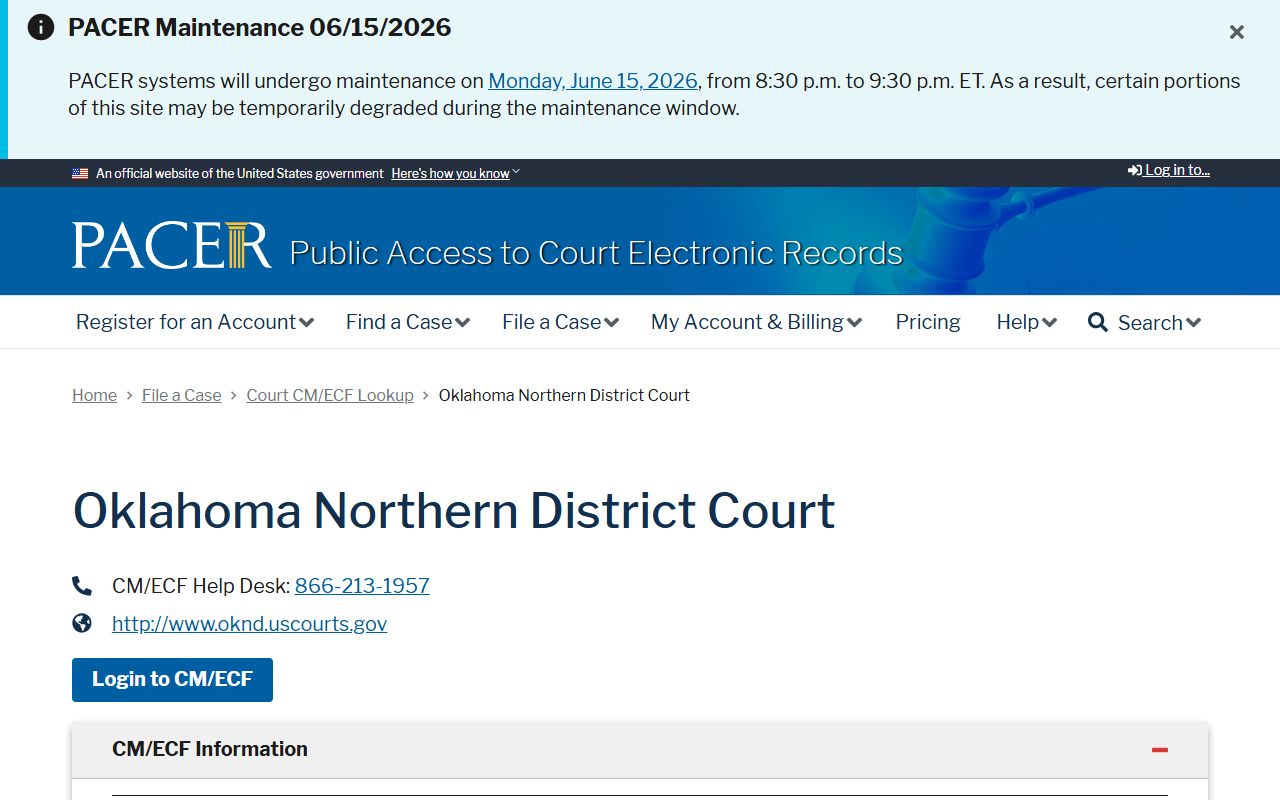
That page is the starting point for confirming which federal court holds a Rogers County case before you search a docket. Once you know the court, you log in to view filings.
Registered users reach federal case dockets through the court's login portal. The same system handles e-filing for attorneys and docket access for the public with a PACER account.
The Oklahoma Northern District CM/ECF login opens the electronic case files for federal Rogers County matters.
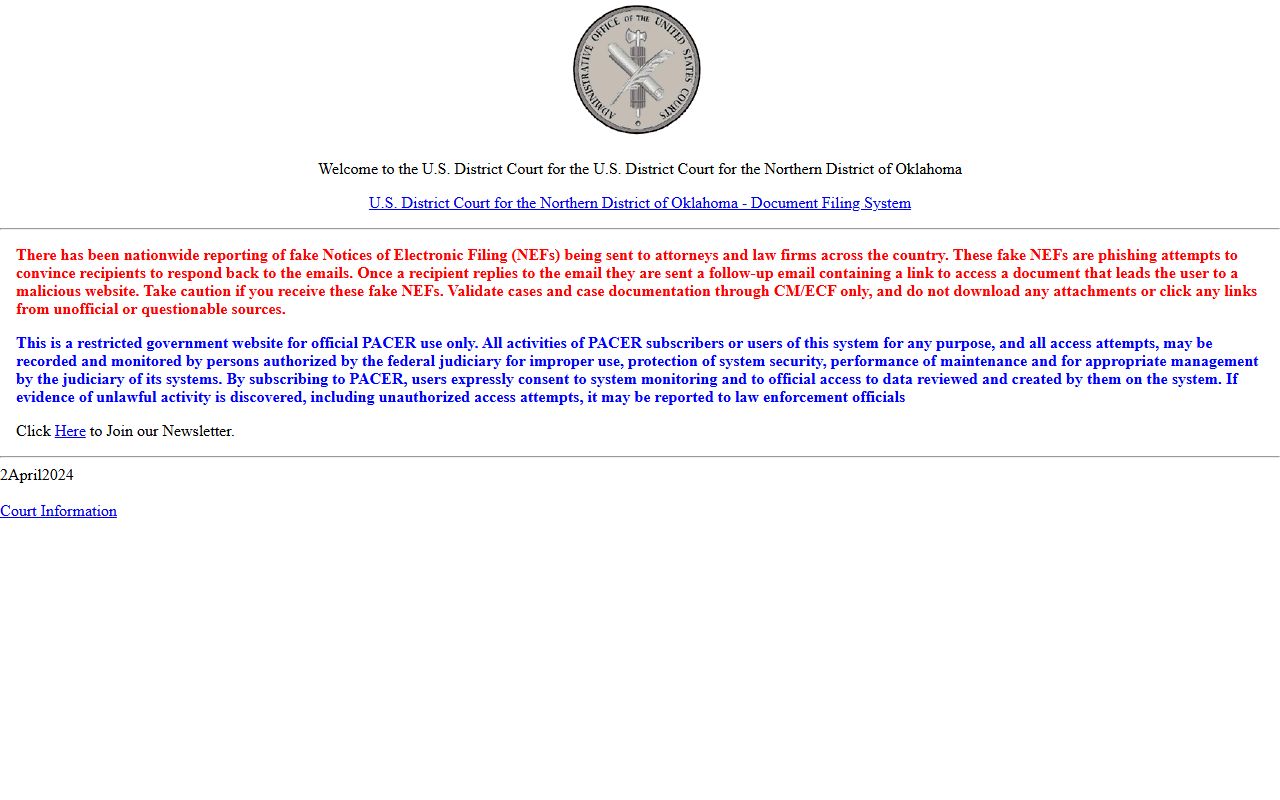
After signing in, you can pull a federal docket sheet that lists every entry much like an OSCN docket does. PACER charges a small per-page fee for federal records, while OSCN docket search stays free.
Rogers Docket vs Full Case File
People often expect a docket to hand them the whole case. It does not. A docket is a list of events. The full case file holds the documents behind those events. Both are useful, but for different jobs. The table below sets them side by side.
| Docket | Full Case File | |
|---|---|---|
| Format | A dated list of events | The actual filed documents |
| Holds | Filings, hearings, orders, outcomes | Motions, exhibits, orders, judgments in full |
| Access | Free online through OSCN | May need a clerk visit or copy fee |
| Best for | Tracking progress and dates | Legal review and certified proof |
For most needs the online docket is enough. It confirms a hearing, a balance, or a final outcome. When you need a certified copy, an older file, or a document not posted online, the Court Clerk handles that at the courthouse. Call the Court Clerk at 918-923-4961 for docket questions or certified copies.
Warrants and Court Dates in Rogers Dockets
A docket is where a scheduled court date shows up first. Hearing entries list the date, and often the time and judge once the clerk enters them. Watching the docket is the simplest way to confirm an upcoming appearance. Dates can move, so a continuance entry signals a new setting.
Warrants appear as docket events too. A bench warrant entry usually follows a missed court date. The docket records that the judge ordered the warrant, but a docket line is not a live warrant check. It shows the warrant was issued, not whether it is still active right now.
Treat the docket as a guide, not a final word, on a warrant. To confirm an active warrant or resolve one, call the Court Clerk for District Court warrants. Municipal failure-to-appear warrants from Claremore, Catoosa, or Chelsea sit in city court files and may not show on OSCN at all.
Note: a bench warrant listed in a Rogers County docket is not recalled by paying online, so contact the Court Clerk directly after any payment.
Online Dockets and the Official Record
OSCN is a convenience copy, not the master record. The Oklahoma Court of Criminal Appeals Rule 2.6 spells this out. The online database is published to help the public, but the official court case management system is the controlling record. If the online docket and the official file ever disagree, the official record wins.
The Oklahoma online database rule, Rule 2.6, states that OSCN does not replace the official court record kept by the clerk.
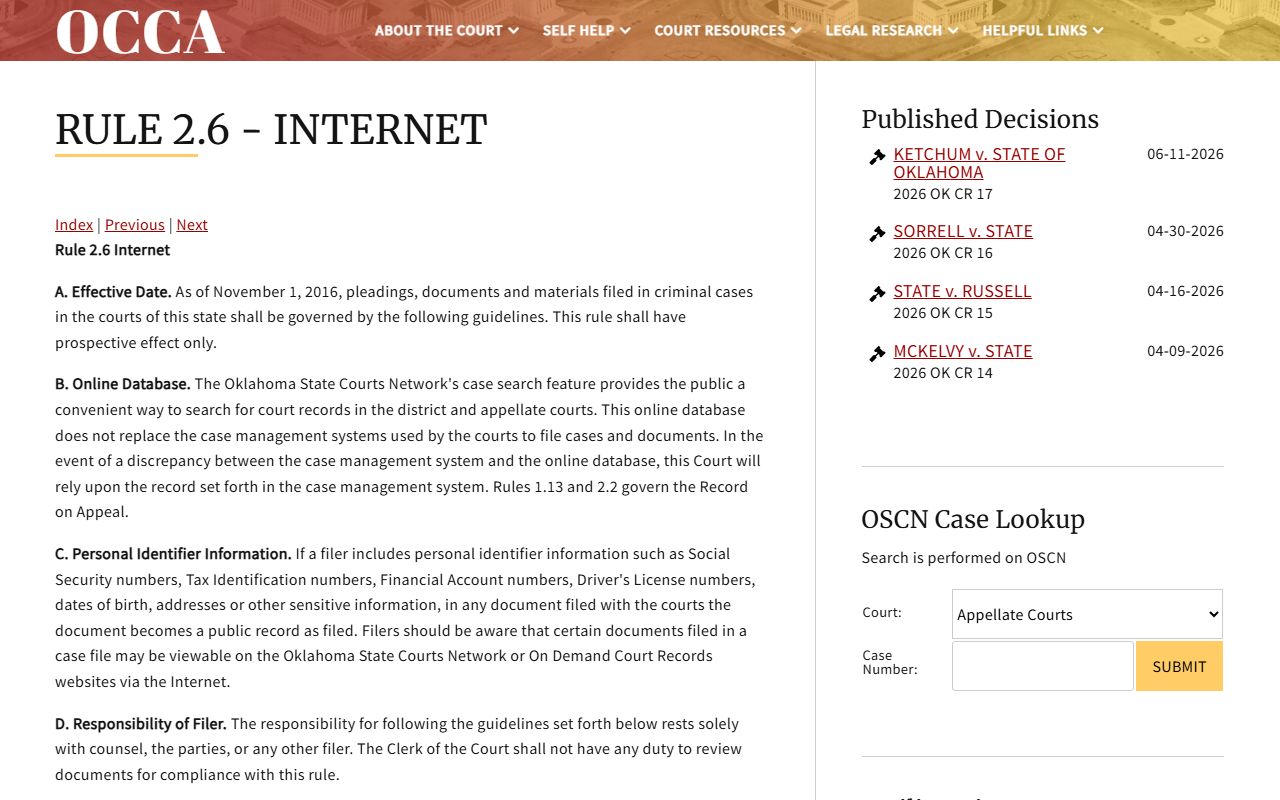
That rule matters when a docket looks out of date or a recent event has not posted yet. For anything with legal weight, the Court Clerk's certified record settles the question. A quick docket check is fine for tracking, but verify with the clerk before you rely on it.
Paying a Balance Shown on a Docket
Many dockets show a money side. Fines, costs, restitution, and a running balance appear as payment entries. When a balance is owed, OSCN can route eligible cases to online payment. Not every case qualifies, and the docket balance may lag the moment a payment posts.
The OSCN e-payments system accepts payment on certain disposed criminal, traffic, and wildlife cases, plus cases on a court payment plan. The terms list which case types are eligible and which are not. Some undisposed traffic cases can be paid only if a plea and full payment happen by the first appearance.
Note: OSCN payments can take 24 to 48 hours to show, and a paid balance does not automatically clear a warrant tied to the case.